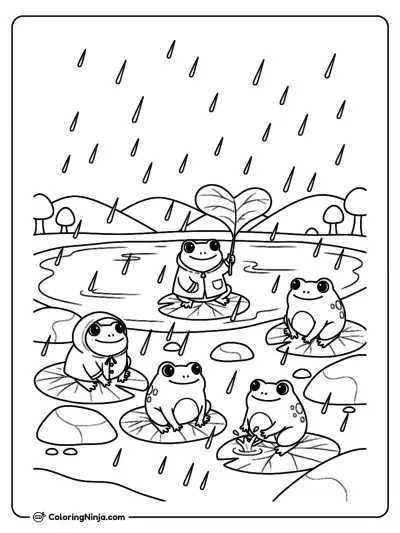
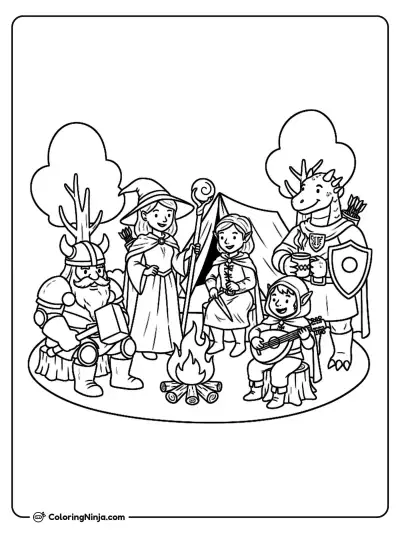
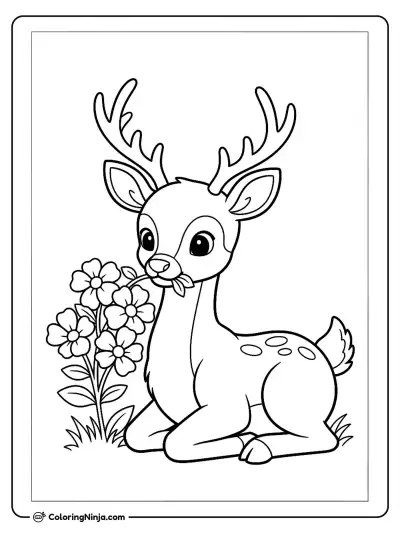
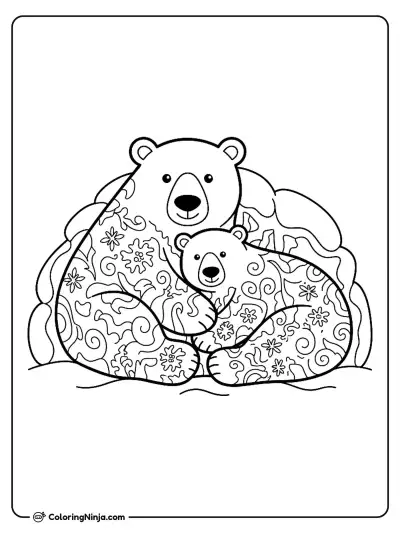
Describe any idea in a sentence and get clean, print-ready line art in seconds. Free to start, no art skills needed.
Each of these was made with this generator from the sentence above it.
Write one sentence: the subject, what it is doing and where. Plain words work best.
The AI draws black-and-white line art with clear outlines and open spaces to color, in about 15 seconds.
Print the PDF on US Letter or A4, or download the image. The page also stays in your account.
Start from a theme and change it your way, or browse pages other people made:
Have a photo instead? Turn a photo into a coloring page: a pet, your family or a favorite place.
Type what you want in a sentence: who is in the picture, what they are doing and where. The generator draws it as black-and-white line art in about 15 seconds and opens it as a new coloring page, ready to print as a PDF or download as an image.
Yes, to start. You can make 3 coloring pages without an account, and a free account adds 3 more credits. After that, 50 pages cost $2.99, paid once, with no subscription, and the credits never expire.
Name the subject, add one or two details and say where it is: "a cute fox reading a book under a tree" works better than "fox". Add "simple, big shapes" for young children or "detailed patterns for adults" for a harder page.
Yes. Generate one page per idea, around the same theme or character, and print each one as a PDF on Letter or A4. Many parents make a small book for a birthday or a trip this way.
Short words, like a first name, usually come out right; ask for it "in big bubble letters". Long sentences often come out with spelling mistakes, so keep text to one or two words.
Most pages, yes, and a link back is appreciated but not required. Pages that show a brand, a licensed character, a sports team or a real person are for personal and classroom use only.